How does the Weber iGrill 3 smart thermometer compare to the iGrill 2? We tested the popular BBQ probe and share our findings below.
- What is the Weber iGrill 3?
- iGrill 3 features
- Weber iGrill 2 vs iGrill 3: What’s changed?
- How to install the Weber iGrill 3
- The Weber iGrill 3 App
See prices on Amazon
Bluetooth-enabled grill thermometers are now a staple for backyard cooks. They simplify temperature monitoring so you can focus on the rest of your barbecue. Weber’s iGrill series has been among the most popular, and the iGrill 3 builds on that reputation while introducing a few important changes from the iGrill 2.
- App-connected thermometer monitors up to four probes
- Long battery life and color-coded, waterproof probes
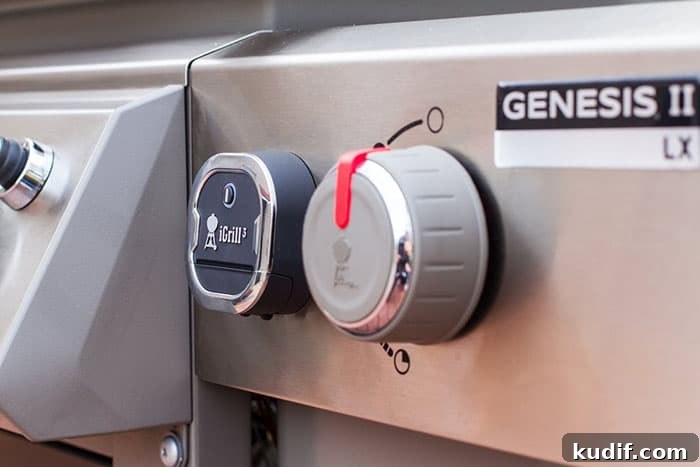
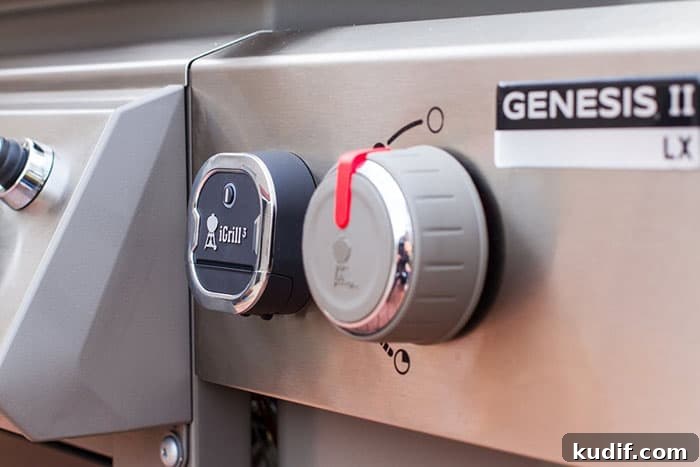
- Designed to fit Weber Genesis II, Genesis II LX and Spirit II grills with iGrill 3 mounting
With more Weber grills shipping with iGrill-ready mounts, many will wonder whether upgrading from the iGrill 2 to the iGrill 3 is worth it. The short answer depends on your grill and how you use probes. Accurate temperature control is the heart of successful grilling and smoking; reliable wireless readers remove much of the stress of monitoring heat and doneness.
What is the Weber iGrill 3?
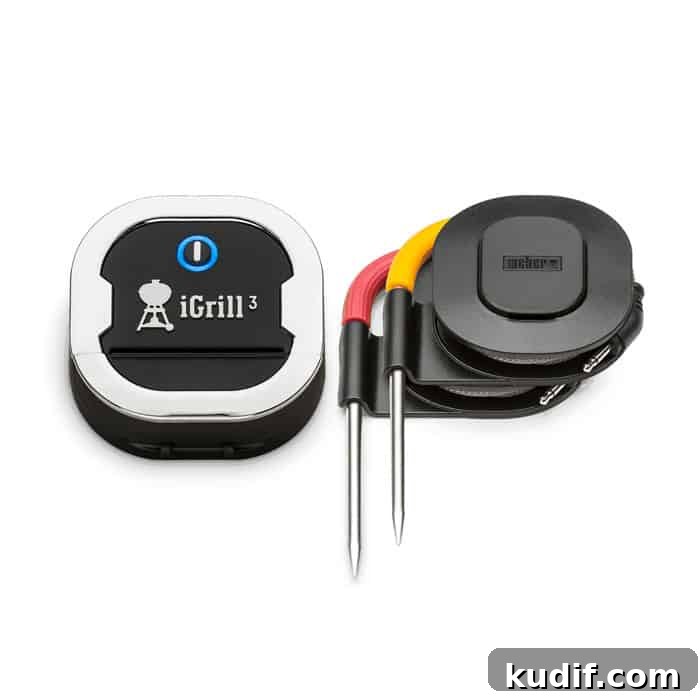
The Weber iGrill 3 is a Bluetooth-connected meat thermometer that ships with two probes and supports up to four probes with additional accessories. It pairs with a smartphone app that offers alerts, target temperature settings and simple cook guides. The unit mounts easily to compatible Weber grills and is intended to monitor both meat and ambient grill temperatures so you can maintain more consistent results.
iGrill 3 features
The iGrill 3 uses Bluetooth to maintain a stable connection at practical distances—typically up to around 150 feet in open conditions—so you can move away from the grill and still keep an eye on temperatures. It supports four simultaneous probes, allowing you to monitor several cuts of meat and the grill environment at once. Probes are waterproof and color-coded to avoid confusion between meat and ambient sensors.
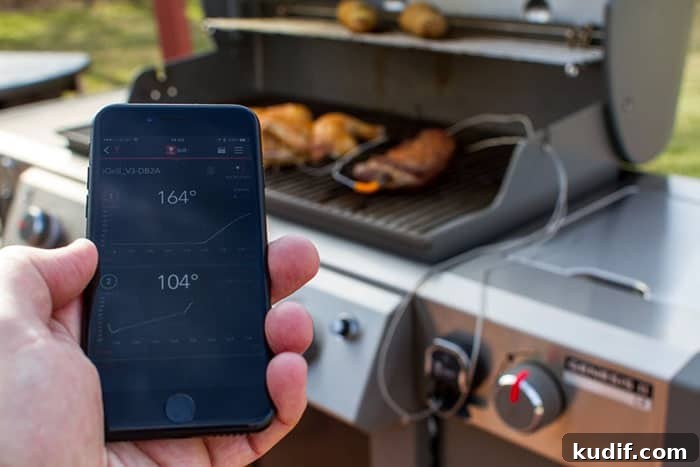
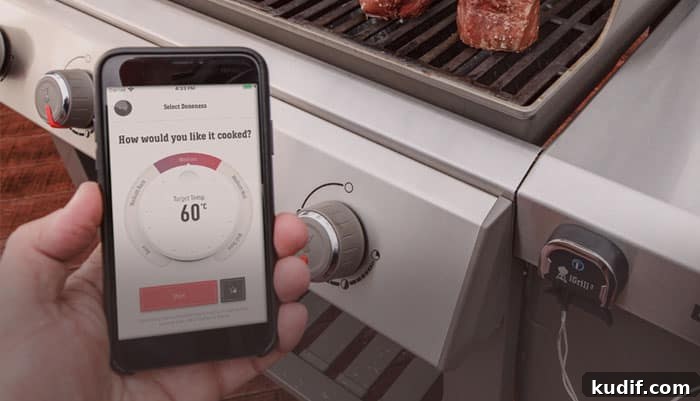
The free iOS and Android app pairs with the device to display temperatures, set target values, enable alerts, and follow simple cook presets. The unit is designed to withstand high heat at its probe tips and delivers long battery life: the replaceable batteries provide many hours of use between changes.
Weber iGrill 2 vs iGrill 3: What’s changed?
The iGrill 2 earned a loyal following due to broad compatibility with a variety of grills. The iGrill 3 narrows that approach: it is primarily designed to work with Weber’s newer Spirit and Genesis ranges that include an iGrill mounting plate and Bluetooth wiring. If your Weber grill already has that mount, adding an iGrill 3 is straightforward and makes sense.
If you used the iGrill 2 on a non-Weber grill, the iGrill 3 may be less convenient. It can be adapted to other grills with modification, but that involves additional work and tools. Functionally, the core probe capabilities remain similar: up to four probes can be used, two of which are included, and optional ambient probes are available for monitoring chamber temperature.
How to install the Weber iGrill 3
Installation on a compatible Weber Genesis or Spirit grill is straightforward. Remove the existing plate or gauge on the control panel, fit the iGrill mounting bracket and magnet through the panel as instructed, and secure the bracket underneath the control area. Install fresh AA batteries into the iGrill battery box, mount the box to the bracket, and connect the cable to the iGrill module. Use the included wire retention clip to keep probe cables neat and routed safely.
Finally, download the iGrill app to your iOS or Android device, enable Bluetooth, and pair the app with the iGrill. Once paired, insert probes into the meat and ambient positions you want to monitor and start your cook.
The Weber iGrill 3 App
The iGrill app is available for iOS and Android and provides the primary interface for monitoring temperatures and receiving alerts. It allows you to set target internal temperatures for different meats, create alarms for when targets are reached, and track probe readings in real time. While there is no official Windows app, the mobile software covers the most common user scenarios and makes multi-probe monitoring intuitive.
- Monitor multiple probes from your phone
- Durable, color-coded probes and long operating life
- Designed to integrate with compatible Weber grills